Screenshot Monitoring
See when a page changes visually — defacement, broken layout, a new banner.
Each check captures a screenshot of the page and compares it with the previous one pixel by pixel. Changes that status codes and keywords miss show up here.
What it detects
- Visual changes above the threshold you set (5% by default)
- Redesigned or resized pages, always reported as a full change
- Error pages that replace your content
How you're alerted
- “Screenshot Changed” fires on its own — no rule to write.
Notifications go to any of 8 channels — see notifications.
- Runs from
- MonSPHERE's own workers — no region to pick
- Engine
- Sandboxed headless Chromium — can't reach private or internal addresses
- First check
- Records a baseline — nothing is flagged until something changes
- Interval
- At most every 5 minutes
- Dashboard
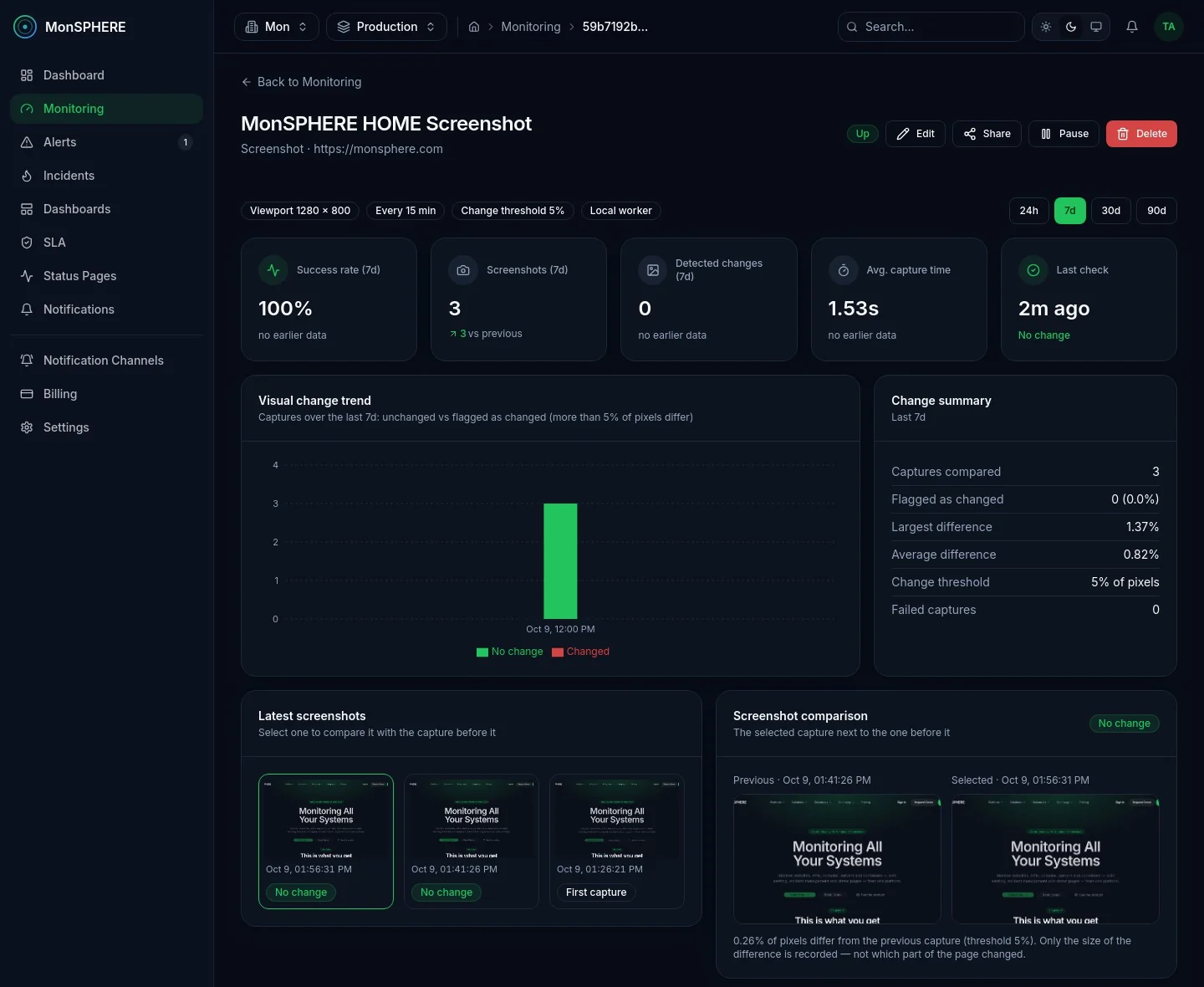
- Latest screenshots, side-by-side comparison with the previous capture, visual change trend, change history with the difference in percent, and capture results by location
- Available on
- Enterprise and Custom on request
More in Performance & UX
View categoryCore Web Vitals Monitoring
Load your page in a real browser on a schedule and track LCP, CLS, FCP, TTFB and TBT over time — get alerted when LCP or CLS cross Google's thresholds.
Lighthouse Monitoring
Scheduled Lighthouse audits — Performance, Accessibility, Best Practices and SEO scores tracked over time, with an alert when a score drops below your minimum.
Accessibility (WCAG) Monitoring
Scheduled axe-core audits of your page against WCAG 2.x A/AA in a real browser — violated rules by impact and affected elements, with an alert when critical issues appear.
Start monitoring everything in minutes
Create a free account, add your first check and get alerted the moment something breaks — no credit card required.